
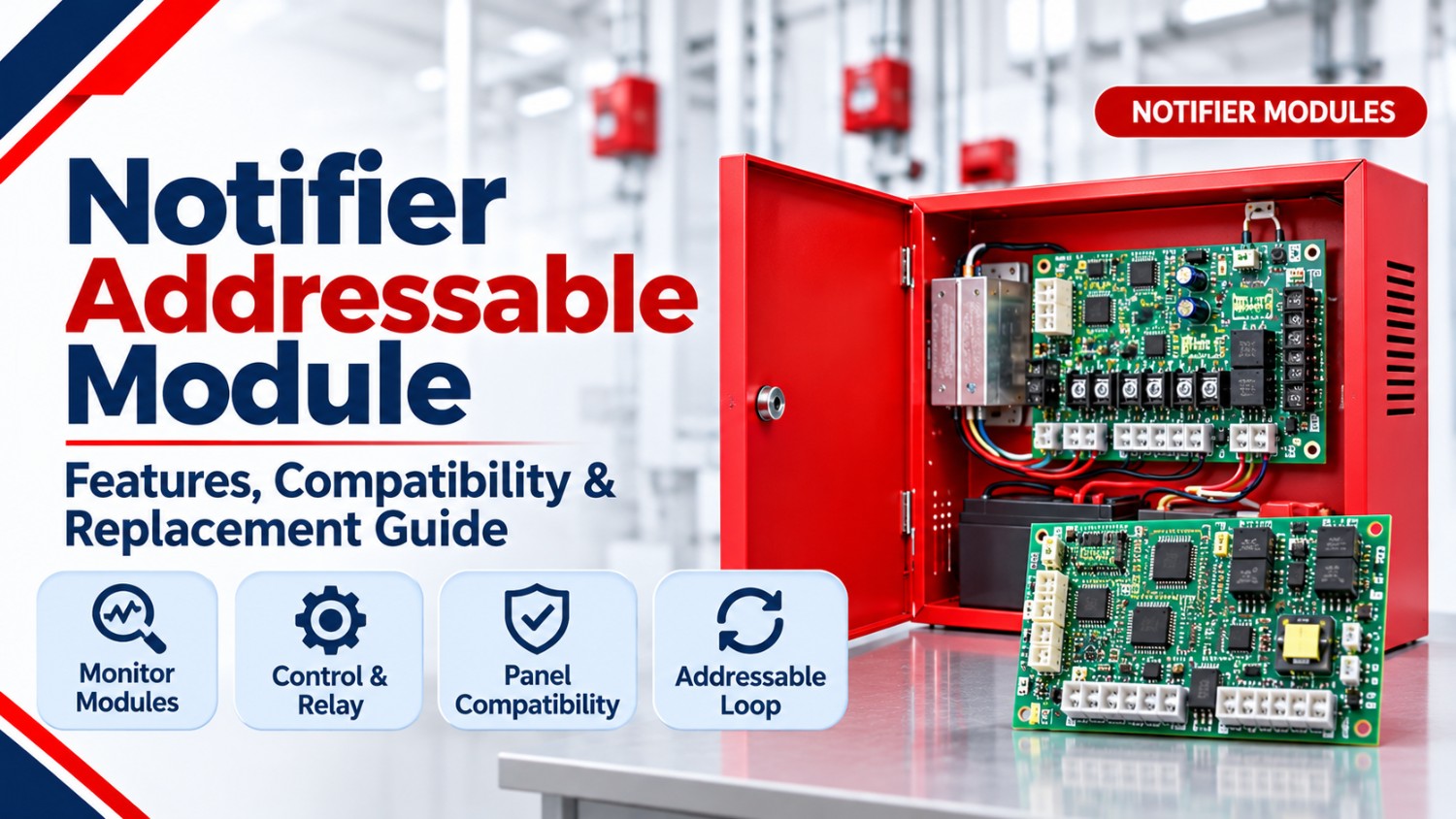
Choosing the right Notifier addressable module means matching the module’s function to the device it serves, confirming that it works with your panel and loop protocol and assigning it a unique address on the signaling line circuit. This guide explains what addressable modules do, how monitor, control and relay modules differ, which compatibility checks matter most and how to avoid the mistakes that cause trouble signals after installation.
What a Notifier Addressable Module Does
A fire alarm panel cannot connect directly to every device in a building. Many devices, such as waterflow switches, door holders, fan controls and conventional detectors, are not addressable on their own. An addressable module sits between those devices and the signaling line circuit, translating a contact closure or an output command into a message the panel understands.
Because each module has its own address, the panel can report exactly which input changed or which output was activated. That location detail speeds up response and simplifies troubleshooting, which is why addressable modules are standard in commercial systems.
The Main Types of Notifier Modules
Notifier addressable fire alarm modules fall into a few functional groups. Knowing the group tells you quickly which product category you need.
| Factor | Monitor module | Control module | Relay module |
| Direction | Input to the panel | Output from the panel | Output from the panel |
| What it connects | Switches and contact devices | Notification circuits | Dry contacts for external equipment |
| Typical use | Waterflow, tamper and pull devices | Horns, strobes and speakers | Fan shutdown, door release and elevator recall |
| Main consideration | Supervised circuit type | Circuit power and polarity | Contact rating and load |
Combined input and output modules also exist, which is handy when one location needs both functions.
Notifier Monitor Module
A monitor module reports the state of a connected input to the panel. It works with devices that open or close a contact, such as pull stations, flow switches, tamper switches and conventional detectors.
A Notifier monitor module comes in different formats. The FMM-101, for example, is listed as a compact addressable mini monitor module with a single input, while the FDM-1 is listed as a dual monitor module with two inputs. You can review the FMM-101 mini monitor module page to see how a compact single-input unit is described. Choose based on how many inputs each location needs and how much space the mounting box offers.
Questions for Monitor Modules
- How many contact devices does each location need?
- Is the input circuit supervised, and in what configuration?
- Does the device use normally open or normally closed contacts?
- Is there room in the mounting location for the module and wiring?
- Is the module compatible with the panel and loop?
Notifier Control Relay Module
A control module or relay module lets the panel switch something on or off. A relay module provides dry contacts that operate external equipment, while a control module drives a supervised notification circuit.
A Notifier control relay module is the right choice when the fire alarm system must act on other equipment, such as shutting down air handlers, releasing door holders or signaling elevator recall. The FRM-1 is listed as an addressable control relay module with a Form C dry contact output, and you can view it on the FRM-1 control relay module page. Always compare the contact ratings with the load, because a relay used beyond its ratings can fail or damage the equipment it controls.
Notifier Input Output Module Options
Some applications need an input and an output at the same location. A combined module saves space, wiring and addresses, and keeps related functions together.
A Notifier input output module combines monitoring and control in one device. The FDRM-1 is listed as an addressable dual relay and monitor module with combined input and output functions, and the FDRM-1 dual relay monitor module page shows how it is described. These modules are often chosen where a piece of equipment must be both monitored and controlled, such as a fan that must report its status and also be shut down on alarm.
Control Modules for Notification Circuits
Notification appliances need a different kind of output than a relay does. A control module supplies and supervises the circuit that powers horns, strobes and speakers.
The FCM-1 is listed as an addressable control module that provides a notification appliance circuit output for Notifier systems. When choosing a control module, confirm that the notification power source, wiring polarity and number of appliances fall within the module’s ratings. If the appliances need more current than a module circuit can supply, an external power supply may be required.
Compatibility Checks Before You Order
Compatibility is the most important factor when selecting a module. One that is electrically correct but incompatible with the panel will not communicate.
Confirm the panel model and the loop protocol, since Notifier systems may operate in different communication modes and the module must support the one in use. Check whether the module is designed for the same panel family, how it is addressed and whether the system documentation accepts the device. If you are unsure, send the panel model and existing module numbers to a supplier and ask them to verify.
Compatibility Checklist
- Panel model and loop protocol
- Module type and function
- Input and output circuit configuration
- Address assignment and available addresses on the loop
- Mounting box and wiring requirements
- Local code and authority requirements
Planning a Notifier Addressable Module Replacement
Modules are often installed in ceilings, mechanical rooms and electrical closets, so they can go unnoticed until they fail. A failed module may cause a trouble signal, a missing device or a function that stops working.
For a Notifier addressable module replacement, record the existing module’s model, address, location and wiring before you disconnect it. Install the new module with the same address, restore the connections and test the function it serves. If the module supervises a critical input or controls an important output, notify the monitoring company and occupants before testing.
For items not shown online, you can request a quote with the model number and photos of the installed module.
Replacement Steps
- Record the model, address and wiring of the existing module
- Notify the monitoring company and building occupants
- Disable the affected circuit following your procedure
- Install the replacement module and set its address
- Test the input or output function and record the result
- Restore the system and confirm that no trouble signals remain
Qualified fire alarm technicians should perform and document this work.
Exploring the Wider Range Beyond a Single Module
Needs often extend past one module or one brand, and a supplier with a broad catalog can save time. QuickShipFire lists Notifier addressable fire alarm modules alongside many other brands, which you can explore in its modules category to compare functions and brands.
The company states that it is an independent reseller and not an authorized distributor of the brands it lists, that its products are brand new in original manufacturer packaging and that it offers a 30-day money-back policy where applicable and a one-year warranty, refund or replacement option. Read these terms before ordering.
Common Mistakes to Avoid
Most problems with a module start in selection or installation, not in the device itself. These are the errors to avoid.
Mistakes That Cause Trouble
- Choosing a module by name without confirming its function
- Ignoring protocol compatibility with the panel
- Duplicating an address already used on the loop
- Overloading a relay with a load above its contact rating
- Mixing up monitor and control functions
- Skipping the functional test after installation
Frequently Asked Questions
What is a Notifier addressable module?
It is an interface device that connects non-addressable equipment to a Notifier fire alarm signaling line circuit. It reports input changes to the panel or carries out output commands, and each module has its own address so the panel can identify exactly which device is active.
What is the difference between a Notifier monitor module and a control module?
A monitor module reports the state of an input device, such as a pull station or flow switch, to the panel. A control module is an output device that the panel commands, for example to power notification appliances or operate a relay. They handle opposite directions of communication.
What is a Notifier control relay module used for?
It lets the fire alarm panel operate external equipment through dry contacts. Typical uses include fan shutdown, door release and elevator recall. Check the relay’s contact rating against the connected load before installation to ensure reliable and safe operation.
Is a Notifier addressable module replacement with a different model acceptable?
Only if the replacement is compatible with the panel, the loop protocol and the function the original module served. Where possible, replace it with the same model and address. If the model is unavailable, consult the manufacturer’s documentation or a qualified fire alarm technician.
What is a Notifier input output module?
It combines monitoring and control functions in one addressable device. The panel can read a status input and operate an output at the same location, which is useful where equipment must be both supervised and controlled, such as an air handler.
How do I know which Notifier addressable module I need?
Identify what the module must do, such as read a contact, switch a relay or power a notification circuit. Then confirm the panel, loop protocol and installation location. Use the model number on the existing module, or send the details to a supplier for verification.
Where can I buy Notifier addressable modules?
From suppliers that list the exact model, state the item’s condition and publish return and warranty terms. Confirm whether the seller is an authorized distributor and verify compatibility first. QuickShipFire lists Notifier addressable fire alarm modules and can help locate parts that are not shown.
Conclusion
Selecting the right module starts with the function you need, followed by compatibility with the panel and loop, correct addressing and a proper test. Monitor modules read inputs, control and relay modules operate outputs and combined modules do both.
If you are replacing a failed module or planning an expansion, collect your model numbers, addresses and panel details, then browse the Notifier addressable module range or send them through the QuickShipFire quote page. The team can help confirm the right part before you place an order.